Word vs. LaTeX vs. Wordex: Which Should Researchers Use in 2026?
Your coauthor wants to rewrite a paragraph. Your journal provides a LaTeX template. You want to finish the paper without maintaining two versions of the same manuscript.
The usual “Word or LaTeX?” question leaves out an important choice: how you want to edit. Microsoft Word provides familiar visual editing. LaTeX provides a structured document preparation system. Wordex, MoonlitFlow’s visual LaTeX editor, lets you edit supported manuscript content while keeping the actual LaTeX source underneath.
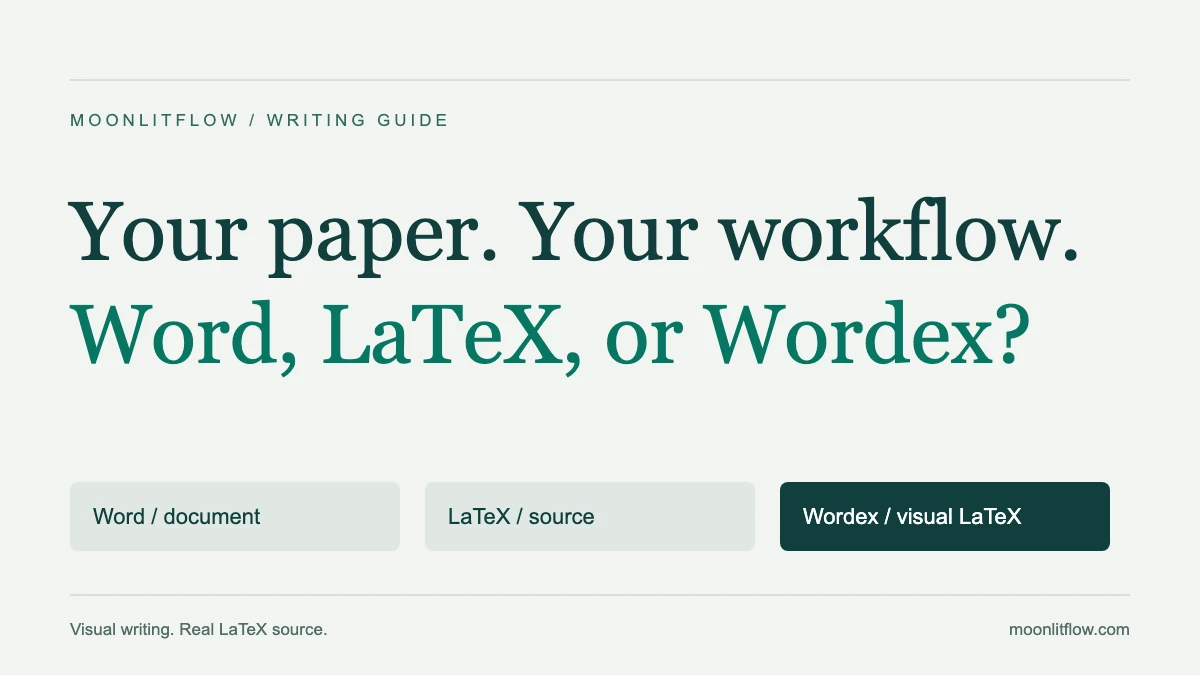
These tools operate at different levels. Word is a word processor, LaTeX is a document system, and Wordex is an editing interface for LaTeX projects. Comparing their workflows is more useful than declaring one format the winner for every paper.
The workflow comparison
| What matters | Microsoft Word | LaTeX with a code editor | Wordex in MoonlitFlow |
|---|---|---|---|
| Main working format | Usually .docx | .tex and supporting files | The project’s actual .tex files |
| Everyday editing | Formatted document | Text and source commands | Supported content edited visually |
| Mathematics | Built-in equation tools | Extensive mathematical typesetting | Visual equation tools in a LaTeX project |
| References | Citation tools and reference-manager integrations | Bibliography commands and packages | Visual citation controls linked to the project |
| Publication layout | Styles and Word templates | Classes and publisher templates | The project’s LaTeX template and compiled preview |
| Collaboration | Coauthoring, comments and Track Changes | Depends on the editor or service | MoonlitFlow sharing, comments and review tools |
| AI assistance | Copilot where available | Depends on the editor | Integrated academic writing tools |
| Advanced customization | Word’s document tools | Direct source and package control | Switch to Code when needed |
Word supports serious academic work. Its supported desktop versions accept LaTeX-style equation input, and its collaboration tools include live coauthoring and tracked revisions. Microsoft’s equation guide, coauthoring documentation, and Track Changes guide.
When Word fits your team
If your supervisor expects a .docx file with tracked revisions, Word can remove a practical collaboration obstacle. Contributors can revise prose, comment on passages, and review changes through a familiar interface.
Mathematics alone does not make LaTeX compulsory. Consider the whole manuscript: the notation, the template, your reference workflow, and the file your collaborators and publisher need. Word can be a sensible choice for research papers, proposals, and reports.
When LaTeX source control matters
LaTeX expresses document structure through commands. Classes and packages determine how headings, equations, references, and figures appear in the compiled output. This is useful for projects with a particular publisher template, extensive notation, reusable commands, or multiple source files.
Authors comfortable with source code can work precisely and use text-based version control. Other contributors may find the commands distracting when their main task is improving an argument. LaTeX projects also require their supporting figures, bibliography files, packages, fonts, and compiler settings.
Where Wordex changes the experience
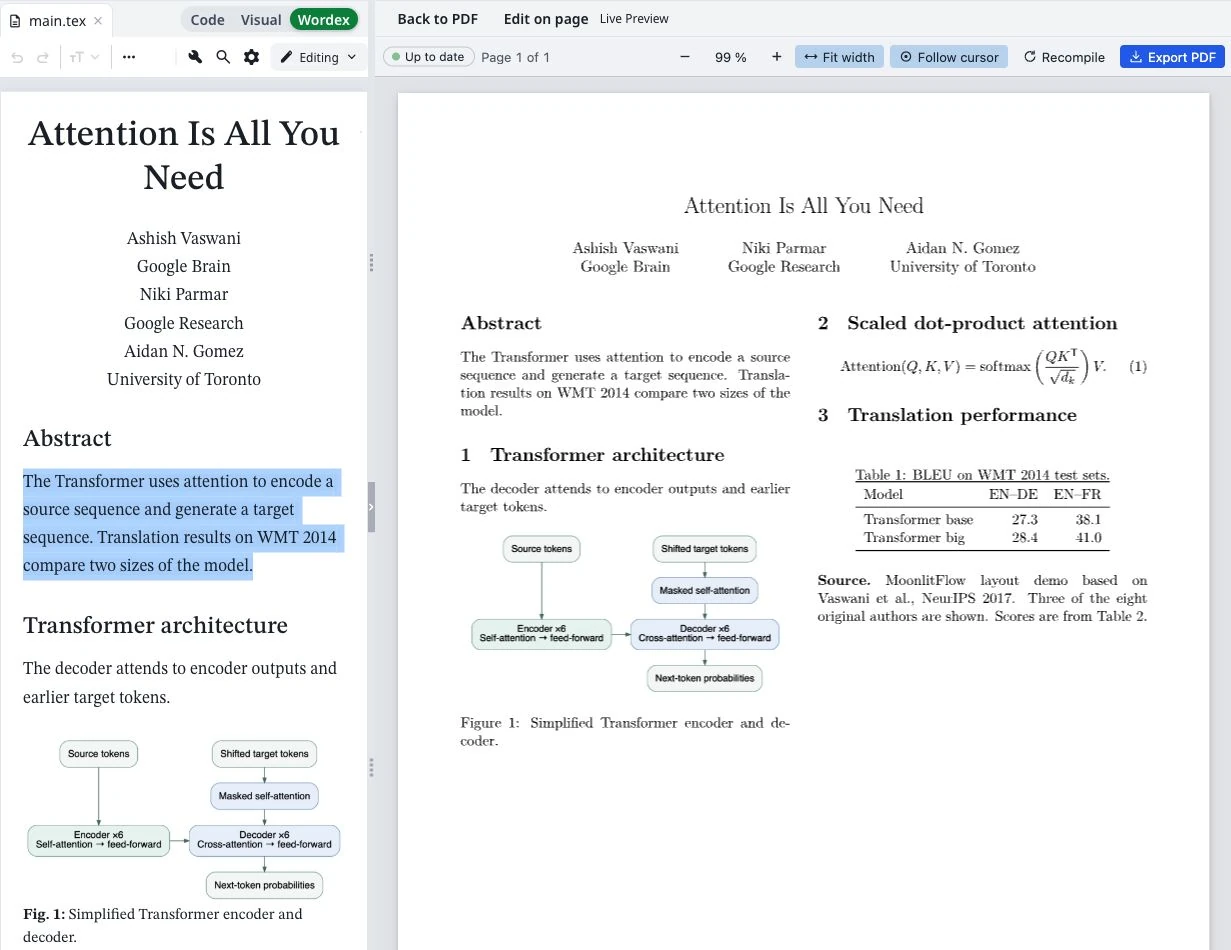
Wordex lets researchers work with supported headings, paragraphs, lists, equations, tables, figures, and citations through a visual interface. The edits go back into the corresponding LaTeX source.
A collaborator can revise an author name visually while preserving its affiliation superscript. Another can switch to Code to inspect a custom command. They are working on the same project, so a separate Word draft does not have to become the parallel “real manuscript.”
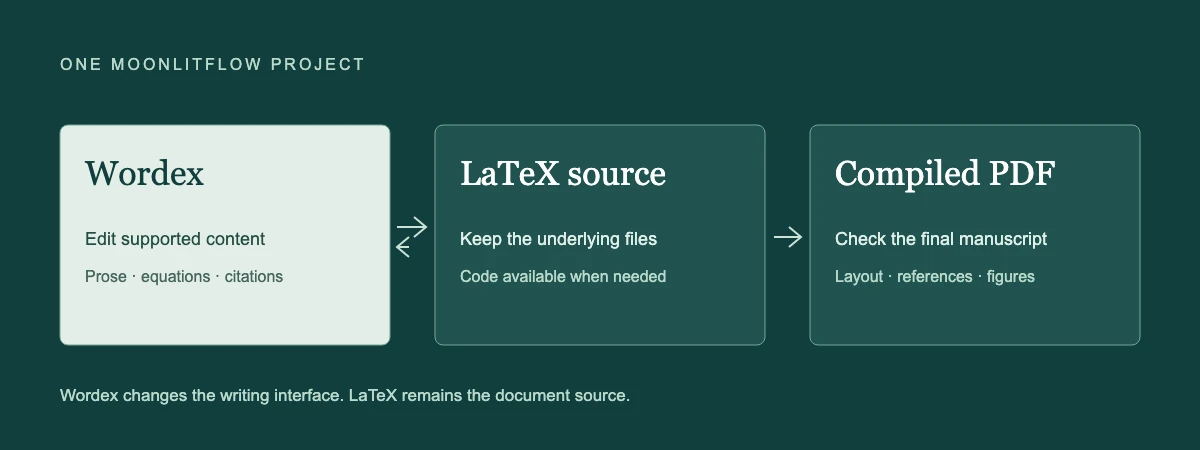
Wordex still works within LaTeX’s document system. Unusual macros or custom class behavior may require Code. Check the compiled PDF for final pagination, spacing, figures, and references.
Compare AI by the editing task
Copilot can help draft, rewrite, summarize, and answer questions about Word documents, depending on the available subscription and organizational settings. LaTeX itself does not include an AI assistant; that comes from the editor or surrounding services. Microsoft’s Copilot overview.
MoonlitFlow places grammar checking, paraphrasing, translation, and other research-writing tools alongside Wordex and Code. The useful questions are practical: can you control the target passage, inspect a proposed change, and preserve equations and citations? Authors remain responsible for factual claims, reference accuracy, and scientific meaning.
Choose the delivery format, then the workspace
Submission requirements vary by venue and stage. Nature Methods, for example, accepts initial submissions in PDF, Word, or TeX/LaTeX formats, with compiled PDFs requested for LaTeX submissions. Nature Methods submission guidance.
Choose Word when a Word-based review process and .docx delivery fit the project. Choose a source-focused LaTeX workflow when your team wants direct control over commands and packages. Choose Wordex when you want to keep a LaTeX manuscript and make everyday writing more visual.
See Wordex at MoonlitFlow, then try the work you actually do: revise a paragraph, edit an equation, insert a citation, and inspect the compiled result.
Further reading: Your Next Paper Belongs in Wordex · How to Move from Word to Wordex: A Practical MoonlitFlow Guide.